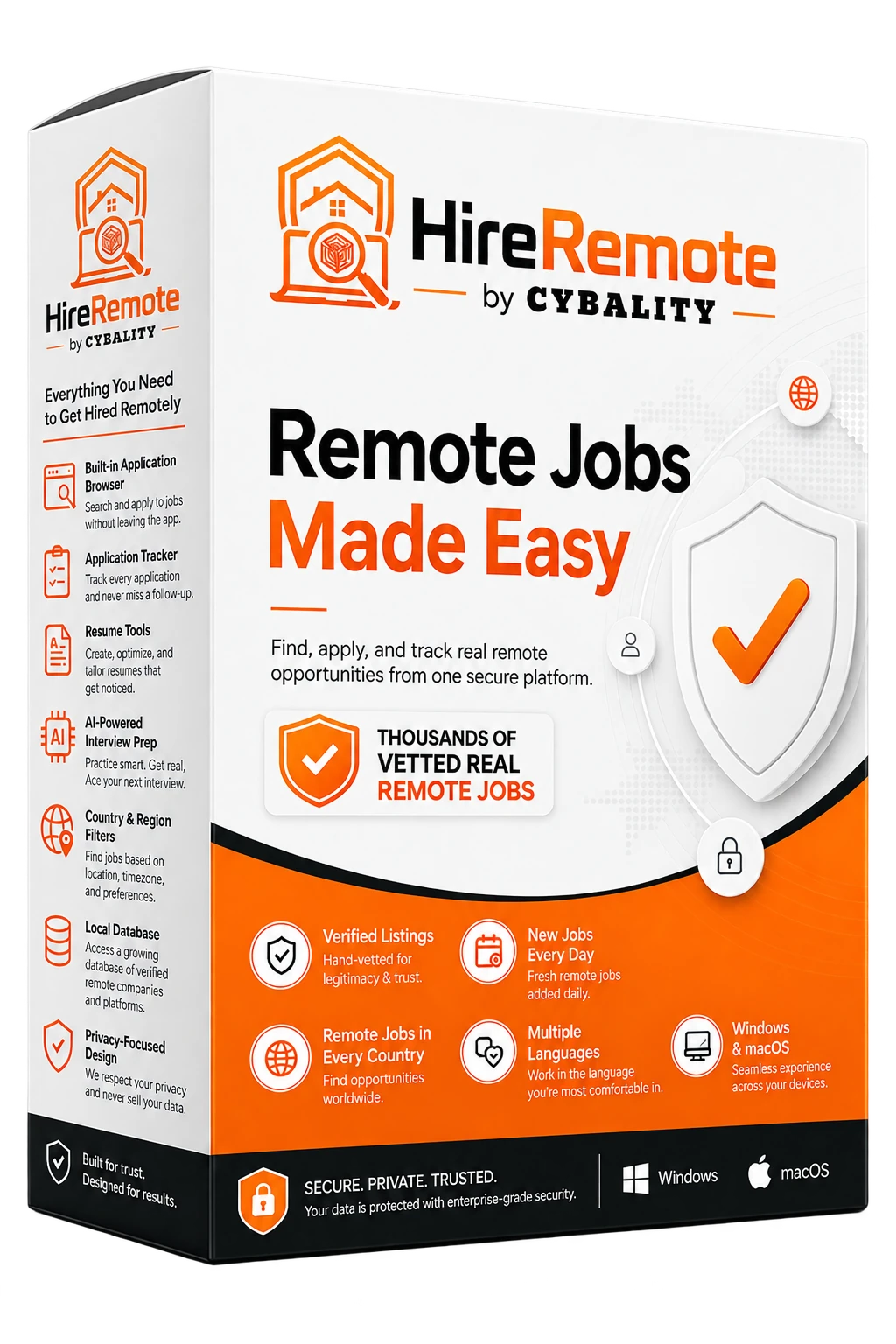
Remote jobs made easier

Stop hunting through noise. Find real remote work.

HireRemote brings thousands of vetted real remote jobs together, adds new jobs every day, covers remote opportunities in countries around the world, and supports multiple languages. Cut through fake-looking listings, focus on real opportunities, and move from search to application in one secure workspace.

Worldwide remote-job discovery 10-minute free trial Assisted application filling Resume + interview tools
WorldwideRemote-job database
6 languagesEnglish, Spanish, French, German, Italian, Portuguese
60 questionsBuilt-in interview practice library
One workspaceFind • Apply • Track • Prepare
Built for job seekers

Your remote job search should feel focused — not exhausting.

HireRemote brings the scattered parts of a remote job search into one place so you can spend less time bouncing between tabs and more time applying to roles that fit.

The usual remote-job grind

  • Dozens of job boards and duplicate postings
  • Questionable links and fake-looking listings
  • Repeating the same application information
  • Resumes that are not tailored to the role
  • Applications scattered across bookmarks and inboxes
  • Interview prep that starts too late

The HireRemote workflow

  • Automatic worldwide remote-job collection
  • Cybality Checked link-risk screening before opening jobs
  • In-app application browser with assisted autofill
  • ATS-focused Resume Studio and target-job scoring
  • Application Tracker for jobs you opened or applied to
  • Job-specific and offline interview preparation
The advantage

Everything you need to get hired remotely.

From discovery to interview day, HireRemote is designed around the full job-seeker journey.

🌍

Find remote jobs worldwide

Browse a local database built from multiple public remote-job feeds and narrow results by country, category, title, and keywords.

🛡️

Reduce risky clicks

Cybality Checked looks at HTTPS use, source context, unusual URL structure, shorteners, punycode, and other warning signals.

Apply with less repetition

Save your Application Profile once, then use Assisted Auto Apply to fill compatible fields while you keep control of final submission.

📄

Build stronger resumes

Create ATS-safe resumes, tailor them to target jobs, see keyword-match signals, edit live, and export DOCX or PDF.

🎯

Prepare for interviews

Generate role-specific questions, research the role inside HireRemote, and practice with a built-in 60-question interview library.

🔒

Keep workflow data local

Core workflow data stays in the current Windows user profile, with sensitive profile, resume, and license data protected locally.

Complete feature catalog

More than a job board.

Open each section below for the full set of HireRemote v0.2.2 capabilities.

1. Remote Job Discovery & Organization

Automatic remote-job collection keeps the local database current without requiring users to manually refresh sources.

Automatic job updates

  • Checks for new jobs at startup and on a schedule.
  • Hourly, every 6 hours, every 12 hours, or daily.
  • Daily is the default schedule.
  • Startup progress screen for checking, organizing, and removing expired jobs.
  • Previously stored local job data remains available if an online source is temporarily unavailable.

Worldwide remote-job database

  • Himalayas
  • Jobicy
  • Arbeitnow Europe and UK
  • We Work Remotely
  • Remotive
  • Remote OK
  • RemoteJobs.org

Job organization and retention

  • Local SQLite database for fast browsing.
  • Jobs categorized for easier browsing.
  • URL-based duplicate reduction.
  • Expiration refreshed when listings are seen again.
  • Listings older than 90 days removed to control database growth.
  • Application Tracker records remain separate from job-listing retention.

Location, search, and eligibility filters

  • Worldwide default scope.
  • United States only or home-country only.
  • Type-ahead country selection for countries and territories.
  • Country-only mode can include worldwide or broad-region postings that cover the selected country.
  • Unknown locations excluded from strict country-only mode.
  • Filter by category, title, and keywords with instant local filtering.
  • Counts update with location scope.
2. Secure Job Browsing & Cybality Checked

Cybality Checked URL assessment

  • Checks HTTPS usage.
  • Considers known source context.
  • Looks for unusual URL structure, shorteners, punycode, and other warning signals.
  • Can show caution or warning experiences for risky-looking links.
  • Source badges are hidden beside the Cybality Checked label.
  • Designed as a risk-reduction layer, not a guarantee of independent employer verification.

Isolated in-app browser

  • Employer and ATS pages open inside HireRemote.
  • Persistent side navigation stays visible.
  • Application URL is hidden from the visible toolbar.
  • Only Reload and Close controls are shown.
  • External pages cannot access trusted local bridge/database APIs.
  • Camera, microphone, and geolocation permissions denied by default.

Browser trust boundary

  • Trusted app shell uses a private HireRemote virtual host.
  • Native actions are processed only from the trusted HireRemote origin.
  • External pages cannot invoke licensing, settings, resumes, tracker, Interview Prep, or profile database actions through the app bridge.
3. Application Workflow & Assisted Auto Apply

Application Tracker

  • Remembers opened jobs and application URLs.
  • Tracker records remain separate from the 90-day job-retention cycle.
  • Reopen employer portals to check status or continue an application.
  • Keep application history organized in one section.

Application Profile

  • Resume and cover-letter template.
  • Name, email, phone, country, city/state, and address.
  • LinkedIn, GitHub, and portfolio.
  • Current employer/title.
  • Employment history, education, certifications, skills, and years of experience.
  • Work authorization, sponsorship, relocation, desired salary, earliest start date.
  • Remote-work preferences, preferred job titles, and industries.

Assisted Auto Apply

  • User opens an employer application and clicks Assist Apply.
  • Maps compatible fields to saved profile data.
  • Attempts to attach a saved resume when an accessible upload control exists.
  • Reports the number of fields filled.
  • Leaves the form open for user review and manual submission.
  • May partially fill complex sites using custom controls, cross-origin iframes, or protected upload widgets.

Safety limits

  • Does not click Submit, Apply, or Send.
  • Does not accept legal terms, signatures, background-check consent, or identity attestations.
  • Does not fill SSN/tax ID, DOB, race, gender, disability, veteran status, religion, passwords, or CAPTCHA.
  • Does not invent work history, education, certifications, eligibility, or facts.
  • Does not bypass MFA, email verification, assessments, or anti-bot controls.
4. Resume Analyzer & Resume Studio

Resume file support

  • PDF, DOCX, TXT, Markdown, and RTF input.
  • Local text extraction and baseline ATS-oriented analysis.
  • Application Profile resume can be reused as Resume Studio source material.

Resume setup wizard

  • Target job or role.
  • Seniority level.
  • Desired style/template.
  • One-page or two-page target.
  • Optional target job description.
  • Profile and/or existing resume as verified source material.

Structured sections

  • Contact Information.
  • Professional Summary.
  • Skills.
  • Experience.
  • Education.
  • Certifications.
  • Projects.

Grounded resume generation

  • Recognizes common resume headings and preserves sections where possible.
  • Merges Application Profile data and resume text as verified facts.
  • Provides a local fallback resume if optional private AI is unavailable.
  • Rejects empty, placeholder, or unusably short AI sections.

AI enhancement + achievement bullets

  • Summary, skills, and experience can be enhanced section by section.
  • Skills can be prioritized toward the target role without inventing unsupported skills.
  • Experience bullets can be strengthened while preserving source facts.
  • A second fact-audit pass removes unsupported claims.
  • Achievement Bullet Generator converts basic duties into stronger achievement-oriented language without intentionally fabricating results.

Targeting and ATS Match Score

  • Paste a target job description or choose a recent HireRemote job.
  • Analyzes target keywords.
  • Calculates matched and missing keyword signals.
  • Prioritizes verified skills aligned to the target job.
  • Displays match percentage, matched keywords, and missing terms for review.

Templates, preview, and editing

  • Modern ATS, Classic ATS, and Compact ATS templates.
  • Live resume preview.
  • Editable generated content.
  • Rewrite, Shorten, Strengthen, and Regenerate controls.

Resume Library, export, and cover letters

  • Save multiple resumes locally.
  • Duplicate before tailoring to another job.
  • Create role-specific versions without overwriting the primary resume.
  • Saved Resume Studio records encrypted for the current Windows user.
  • Export formatted DOCX and PDF files.
  • Create a matching cover letter using verified profile/resume information and the same target job.
5. Interview Preparation

Job-specific question generation

  • Paste a job title and description to create a tailored practice set.
  • Private local AI when available.
  • Local description/keyword fallback when AI is unavailable.
  • Questions can reflect role responsibilities, skills, technologies, and competencies.

Online role research

  • Builds a targeted web search from job title and description keywords.
  • Research opens in HireRemote's isolated browser.
  • Explore interview expectations without switching browsers.

60-question interview library

  • Behavioral and situational questions.
  • Leadership, communication, teamwork, and conflict resolution.
  • Problem solving and accomplishments.
  • Remote work and time management.
  • Salary, career goals, and closing questions.
  • Available in all supported interface languages.
6. Settings, Personalization & Languages

Job-search preferences

  • Preferred job title.
  • Keywords.
  • Location scope.
  • Home-country selection.
  • Automatic update schedule.

Six interface languages

  • English (default).
  • Spanish.
  • French.
  • German.
  • Italian.
  • Portuguese.
  • Static UI labels, placeholders, page titles, dates/numbers, native browser labels, and interview library follow the selected language.

Private AI implementation

  • Regular users do not need to know or configure the underlying model.
  • AI endpoint/model details are hidden from normal Settings.
  • Resume and Interview Prep features use local/private AI when available and local fallback logic where implemented.
7. Membership, Activation & Free Trial

Gumroad membership licensing

  • Membership shown in v0.2.2: $9.99/month.
  • Customer activates with a Gumroad license key.
  • No Gumroad creator API token embedded in the app.
  • Refunded, disputed, chargebacked, ended, failed, or cancelled states stop activation when reported by Gumroad.

Local license protection + offline grace

  • License key protected with Windows DPAPI for the current user.
  • Membership normally reverified after about 24 hours.
  • Recent successful verification can remain active for up to 72 hours offline.
  • Internet verification required after the grace period.

One-time 10-minute free trial

  • Try Free for 10 Minutes appears only if the local Windows user has never started the trial.
  • Countdown continues if HireRemote is closed.
  • Reopening resumes the remaining original trial time.
  • At expiration, external browser closes and app returns to membership screen.
  • Normal uninstall/reinstall does not reset the trial marker.

Buy or Renew flow

  • Fresh navigation to the official HireRemote Gumroad page.
  • Purchase page opens inside HireRemote before activation.
  • After purchase, enter the Gumroad license key and activate.
8. Privacy, Local Storage & Data Protection

Local data storage

  • Jobs and categories.
  • Application Tracker history.
  • Settings.
  • Resume-analysis metadata.
  • Encrypted Gumroad activation cache.
  • Encrypted Application Profile and managed resume.
  • Encrypted Resume Studio library.

Windows DPAPI protection

  • Application Profile structured data is protected.
  • Managed resume protected at rest.
  • Validated Gumroad license key protected.
  • Saved Resume Studio documents stored as DPAPI ciphertext.

Temporary resume handling

  • Protected resume is decrypted only as needed.
  • Short-lived temporary file created under HireRemote's LocalAppData area.
  • Temporary copy deleted after the operation completes.
A simpler workflow

From “I need a remote job” to “I’m ready to interview.”

Discover

Browse automatic worldwide remote-job updates and filter by location, category, title, or keywords.

Prepare

Build or tailor an ATS-focused resume and matching cover letter around the job you want.

Apply

Open the employer page inside HireRemote and use Assisted Auto Apply to speed repetitive form filling.

Track + practice

Revisit applications later and prepare with job-specific interview questions plus the 60-question library.

Designed with boundaries

Helpful automation without taking control away from you.

HireRemote assists with repetitive parts of applying while keeping decisions, sensitive answers, and final submissions under your control.

No autonomous submitting

Assisted Auto Apply does not click Submit, Apply, or Send. You review the application and decide when it is ready.

No invented facts

Resume and application assistance is designed to stay grounded in information you provided, rather than fabricating credentials or experience.

External pages stay isolated

Employer pages cannot invoke trusted HireRemote licensing, settings, resume, tracker, interview, or profile database actions through the app bridge.

Questions

Before you download

Does HireRemote guarantee that every job or employer is legitimate?

No. Cybality Checked is a risk-reduction layer that evaluates link and source warning signals. It is not a guarantee that every employer or listing has been independently verified. Job seekers should still use normal judgment before sharing personal information.

Does Assisted Auto Apply automatically submit applications?

No. It fills compatible fields using your saved Application Profile and leaves the page open for your review and manual submission.

What languages are supported?

English, Spanish, French, German, Italian, and Portuguese.

What does the current feature catalog cover?

The attached v0.2.2 feature catalog covers the Windows x64 release.

Can I try HireRemote before paying?

Yes. The v0.2.2 catalog describes a one-time 10-minute free trial for a local Windows user who has not previously started the trial.

Stop searching everywhere. Start applying smarter.

Download HireRemote and put remote-job discovery, applications, resumes, tracking, and interview preparation in one place.

Download HireRemote